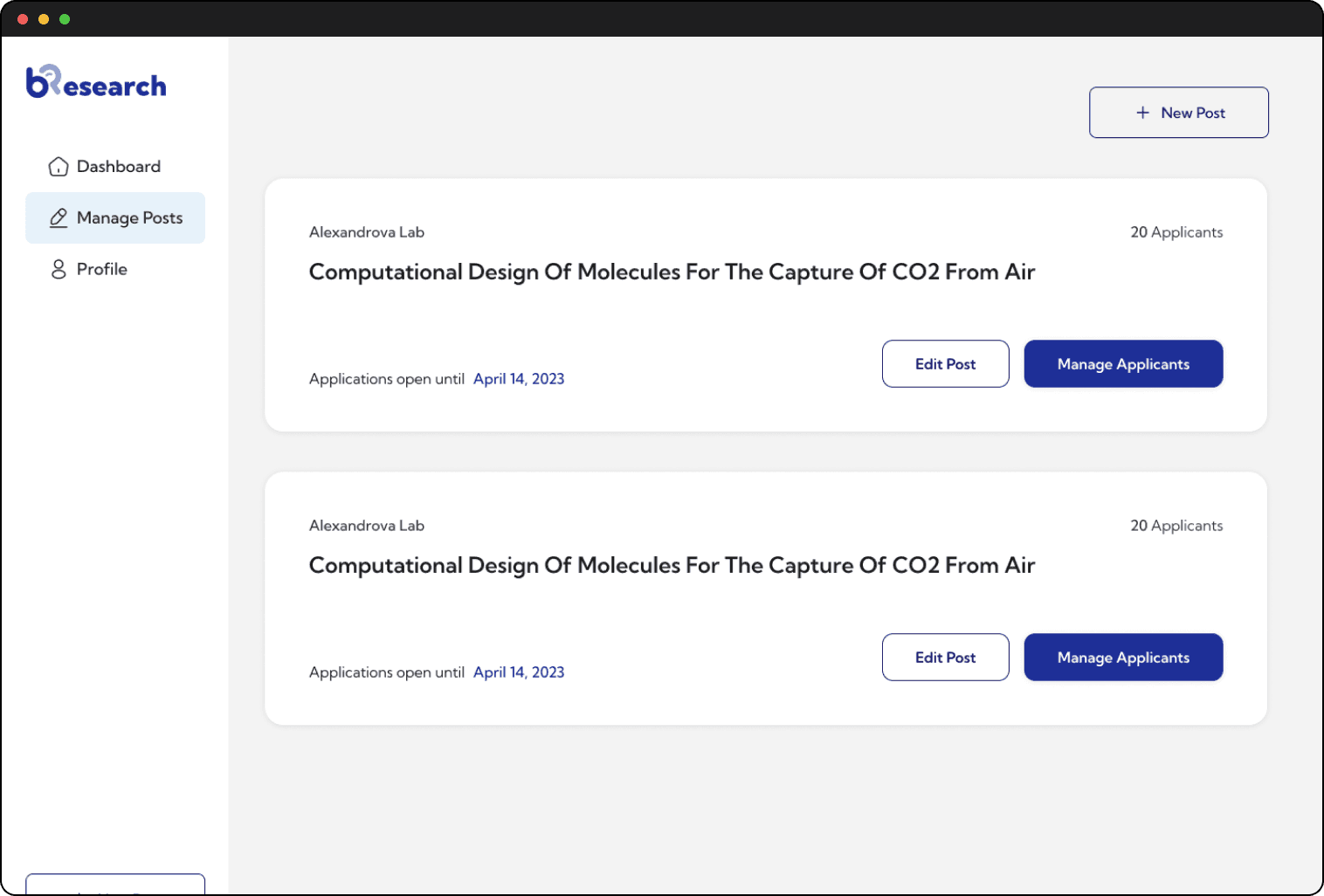
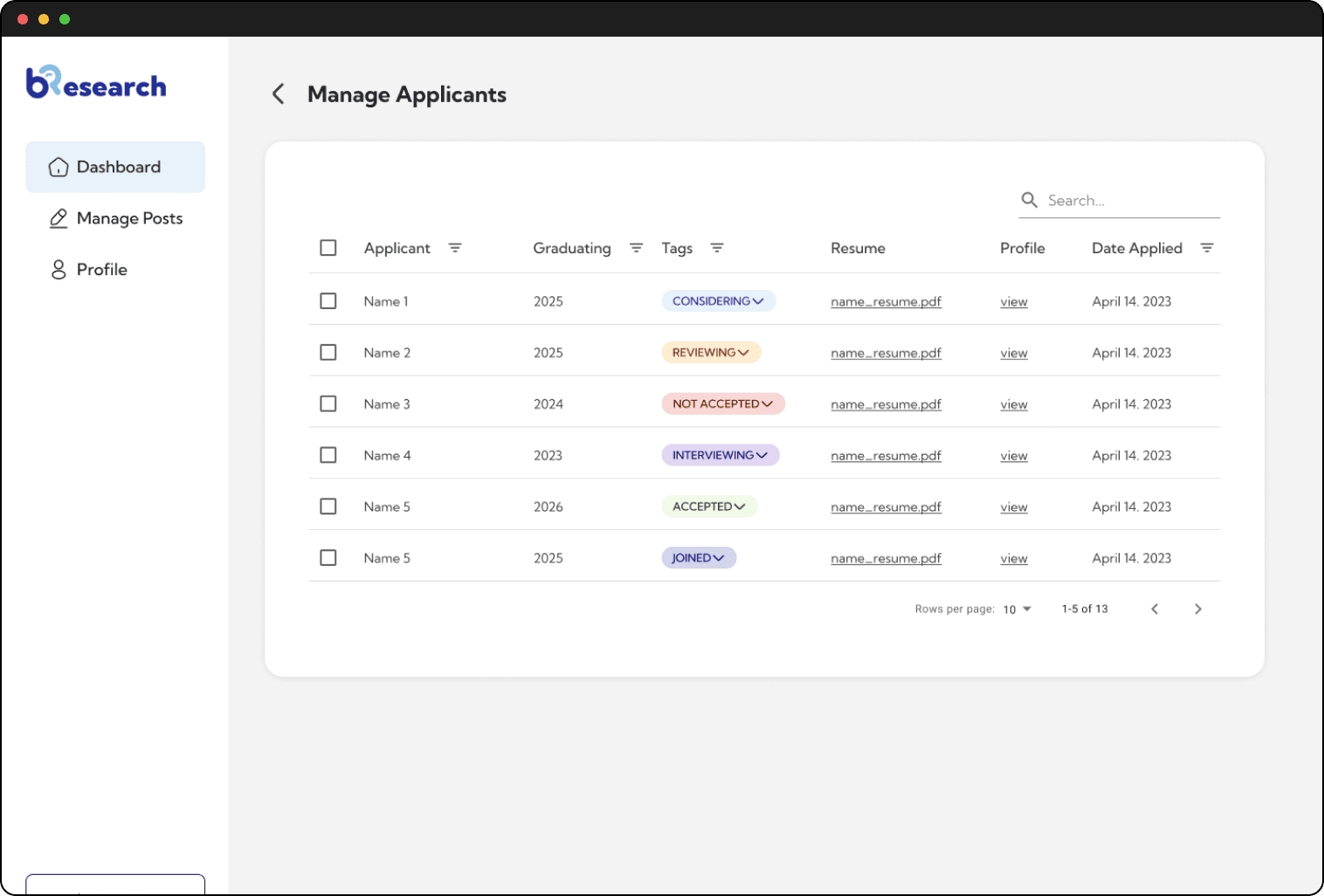
The Problem Statement
UCLA, a prominent research university, struggles with an outdated and infrequently updated Undergraduate Research Portal. As a result, undergraduates resort to cold emailing numerous professors and graduate students, leading to a time-consuming and inefficient process for both students and faculty. To address this issue, our DevX team at UCLA has developed a digital solution that centralizes all research opportunities, simplifying the search process for everyone involved.
Research and Analysis
Market Research
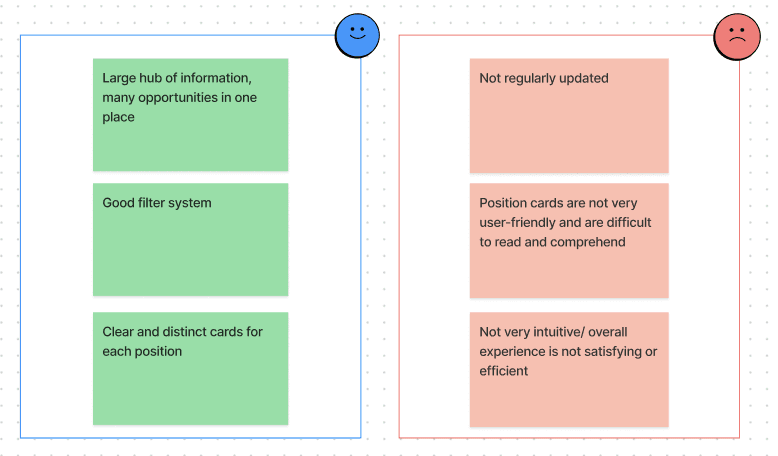
We started by analyzing the existing undergraduate research portal, noticing its Pros and Cons, listed below:
User Research
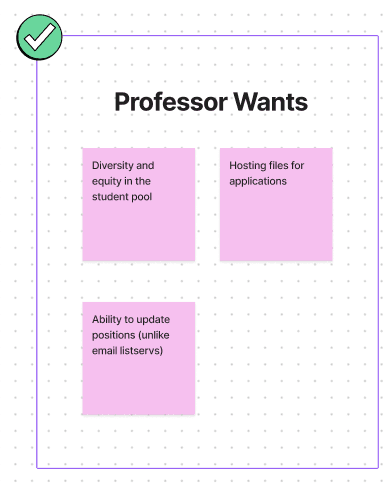
Next, we analyzed our target audience and tried to figure out their needs. After conducting user surveys through google forms, we found that our web app would primarily cater to two types of users: UCLA Students, and UCLA Professors/Lab Managers. The survey showed that over 80% of the professors and 100% of the students would be interested in our application. The main user wants are detailed below:
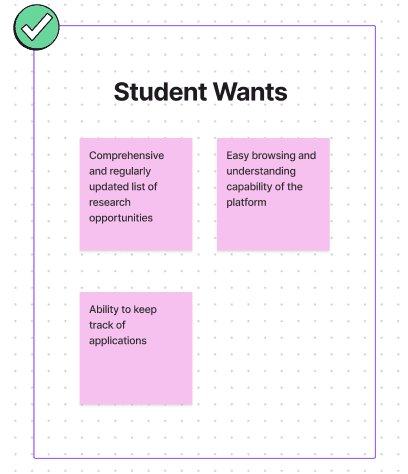
Design Process
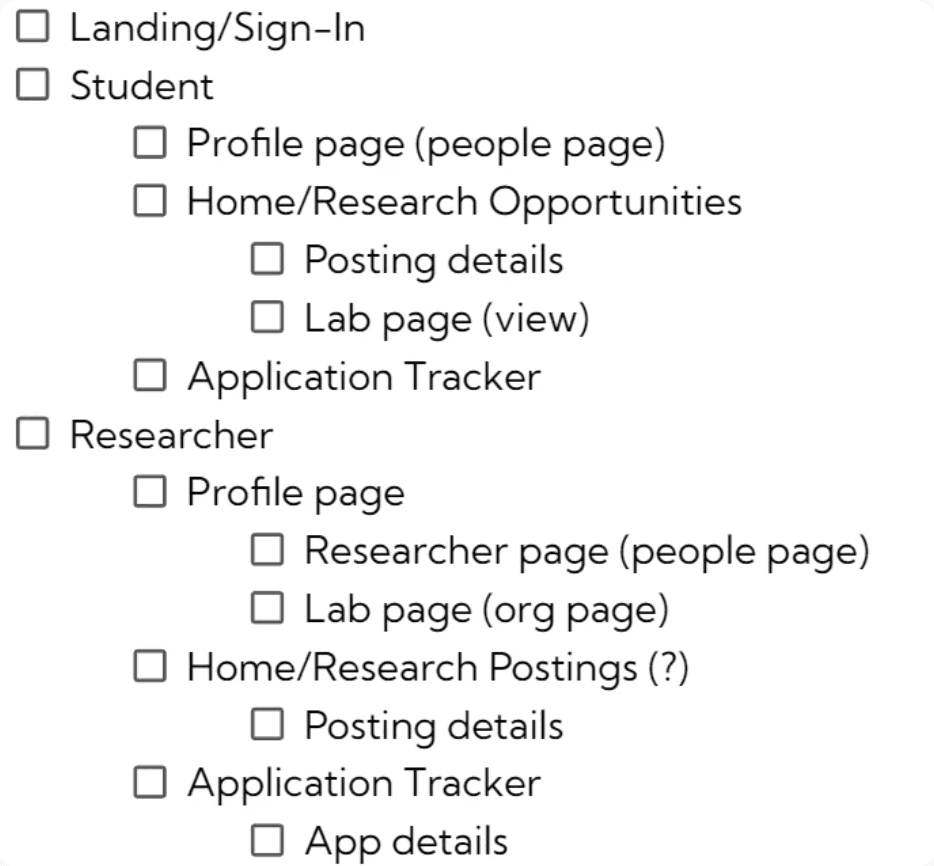
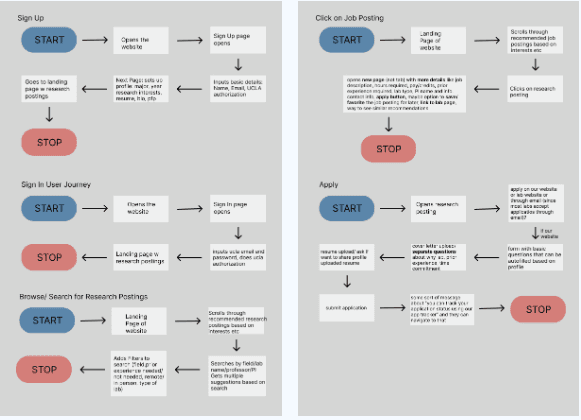
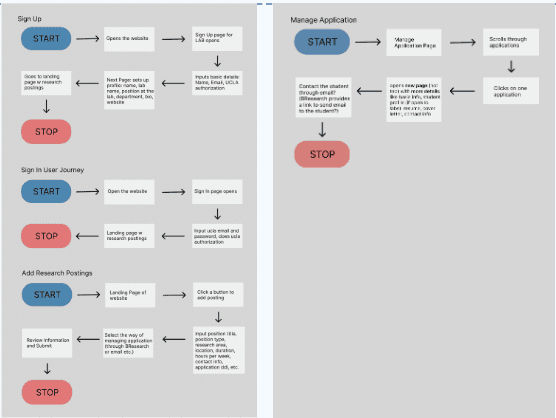
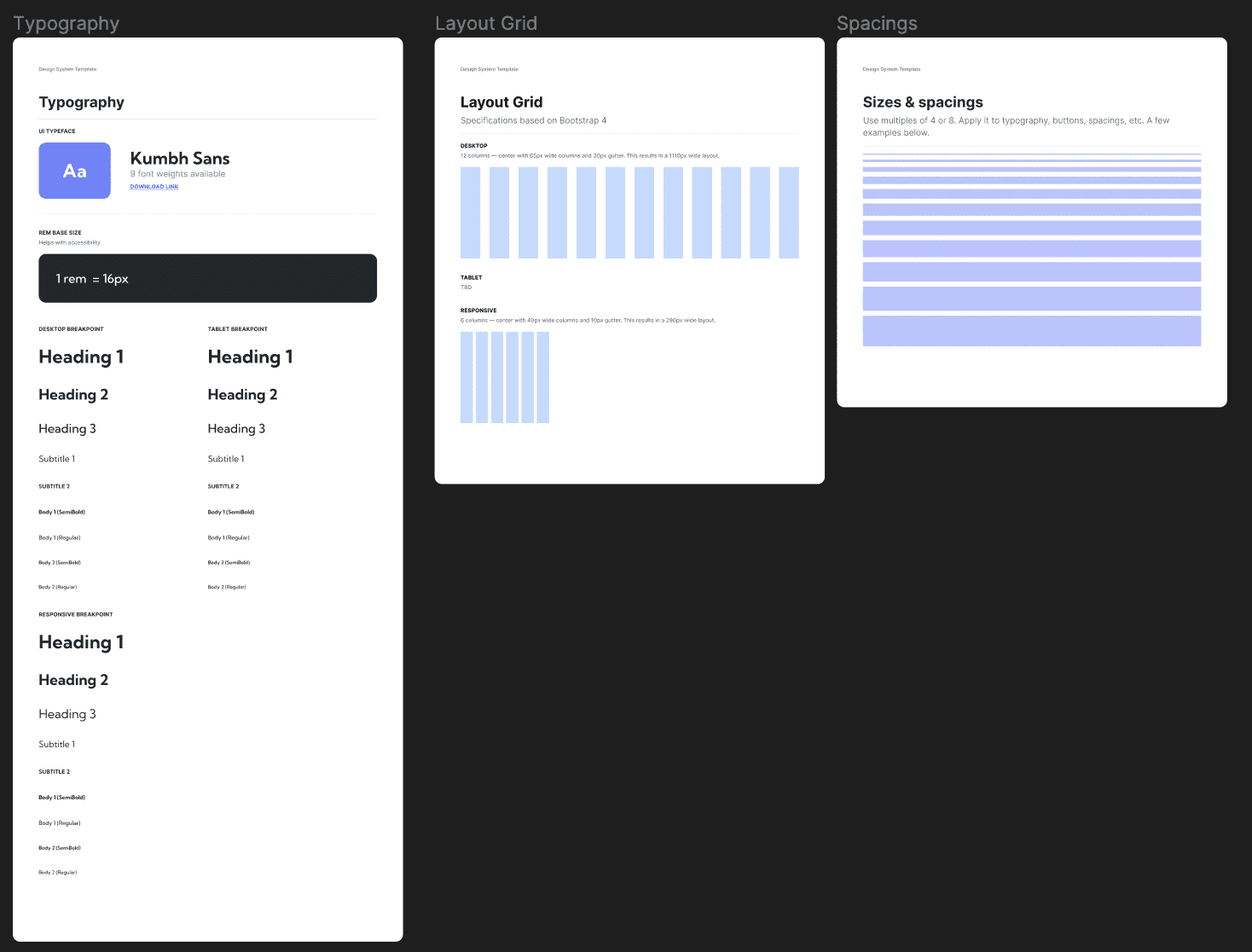
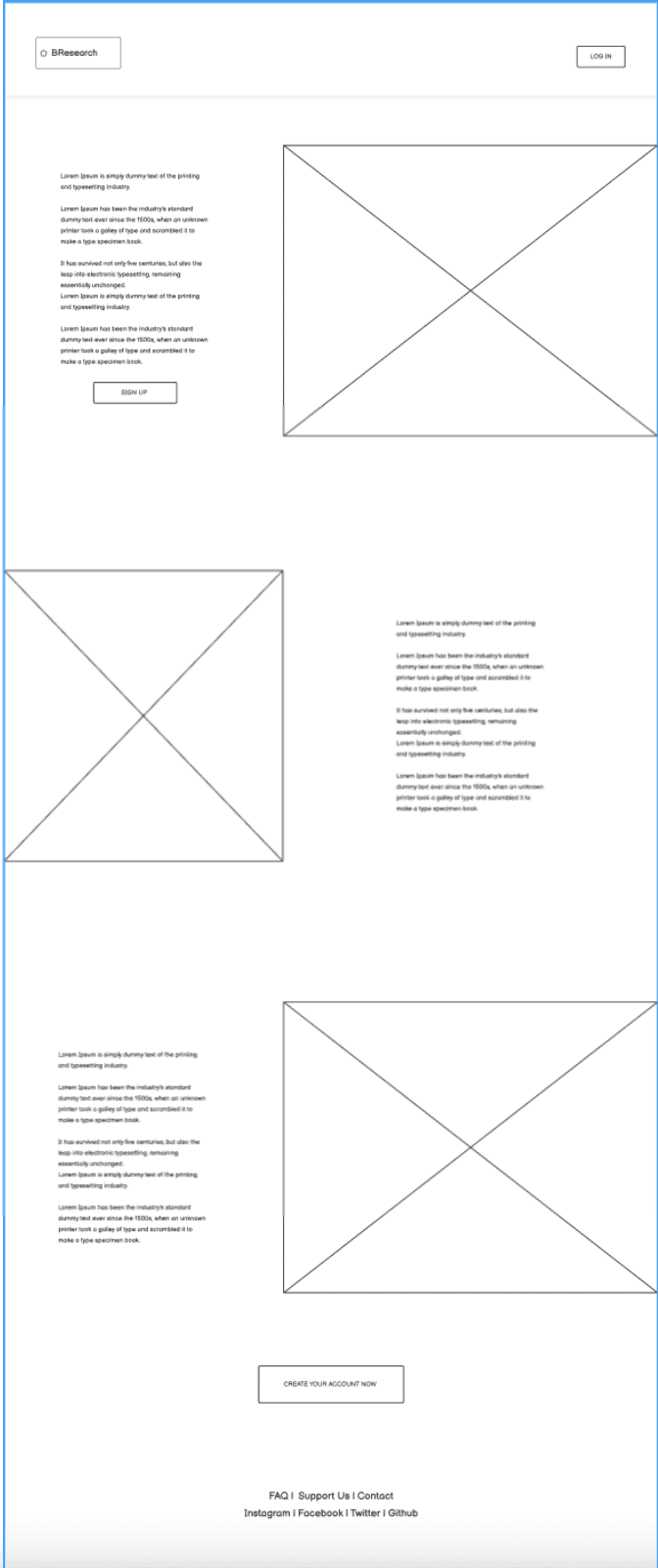
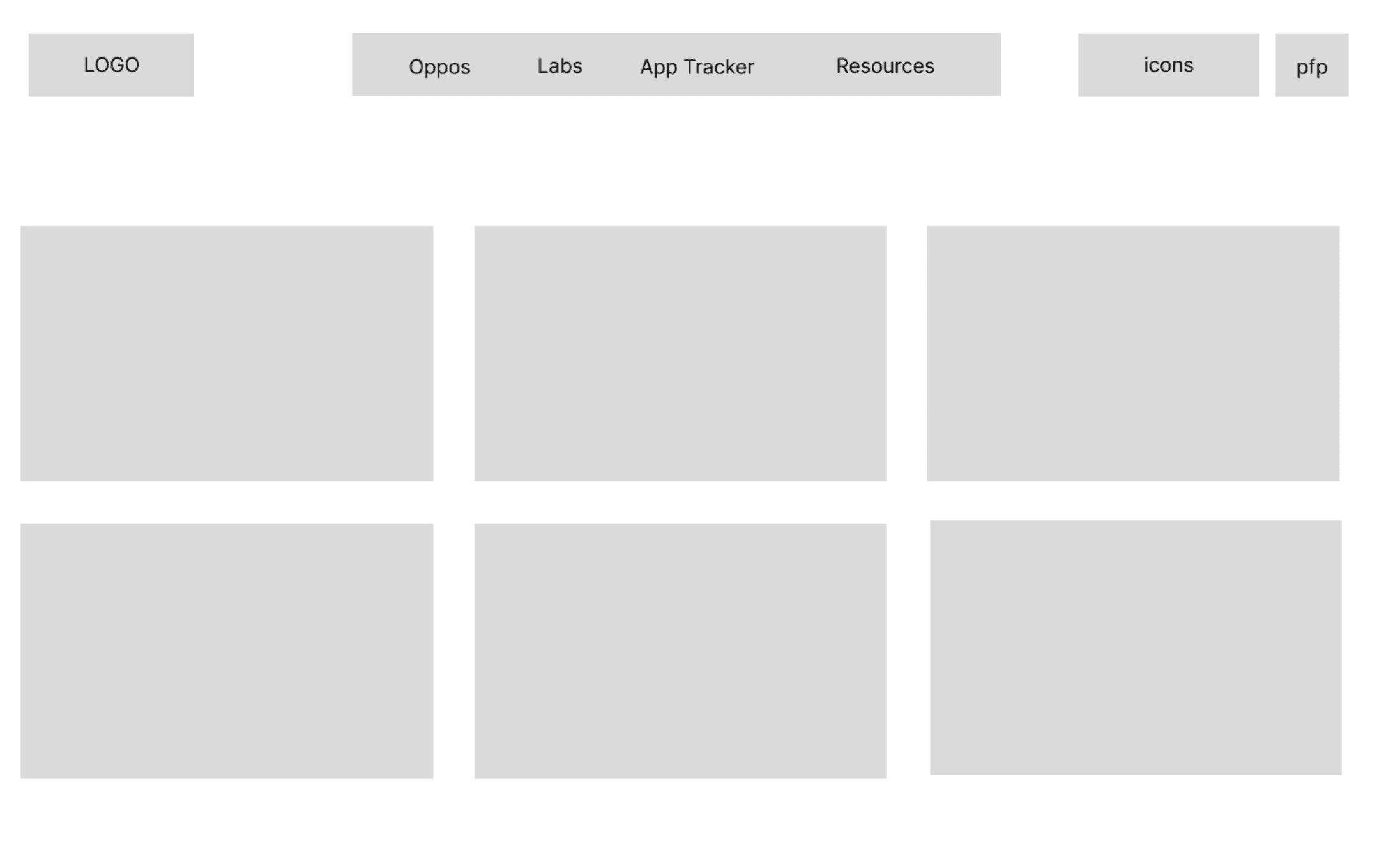
We first created user journeys and requirement lists for the web application, as well as a basic design system containing the color scheme, the logo, and other components part of our visual identity. We then iteratively designed low-fidelity and high-fidelity wireframes of bResearch based on the requirements and the finalized visual identity.
While designing bResearch, my design team and I were in constant communication with the developers and the marketing team to make sure our designs were achievable and in line with our goals. Overall, we wanted to keep the design minimalistic, familiar, efficient, and user-friendly (referencing common patterns found on job posting sites such as LinkedIn, Indeed, and WayUp).
Requirement List
User Journeys
Design System
Low Fidelity Wireframes
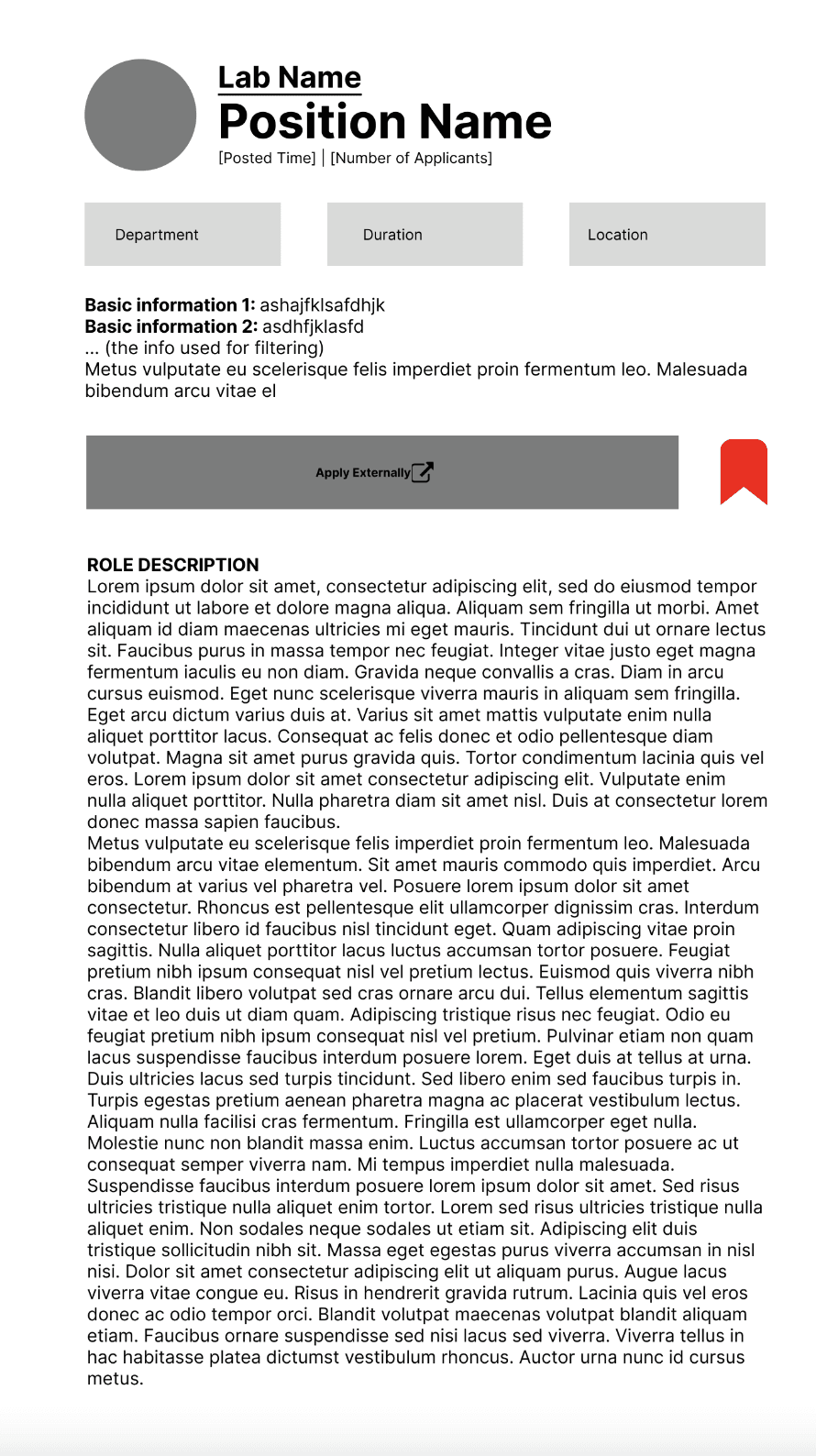
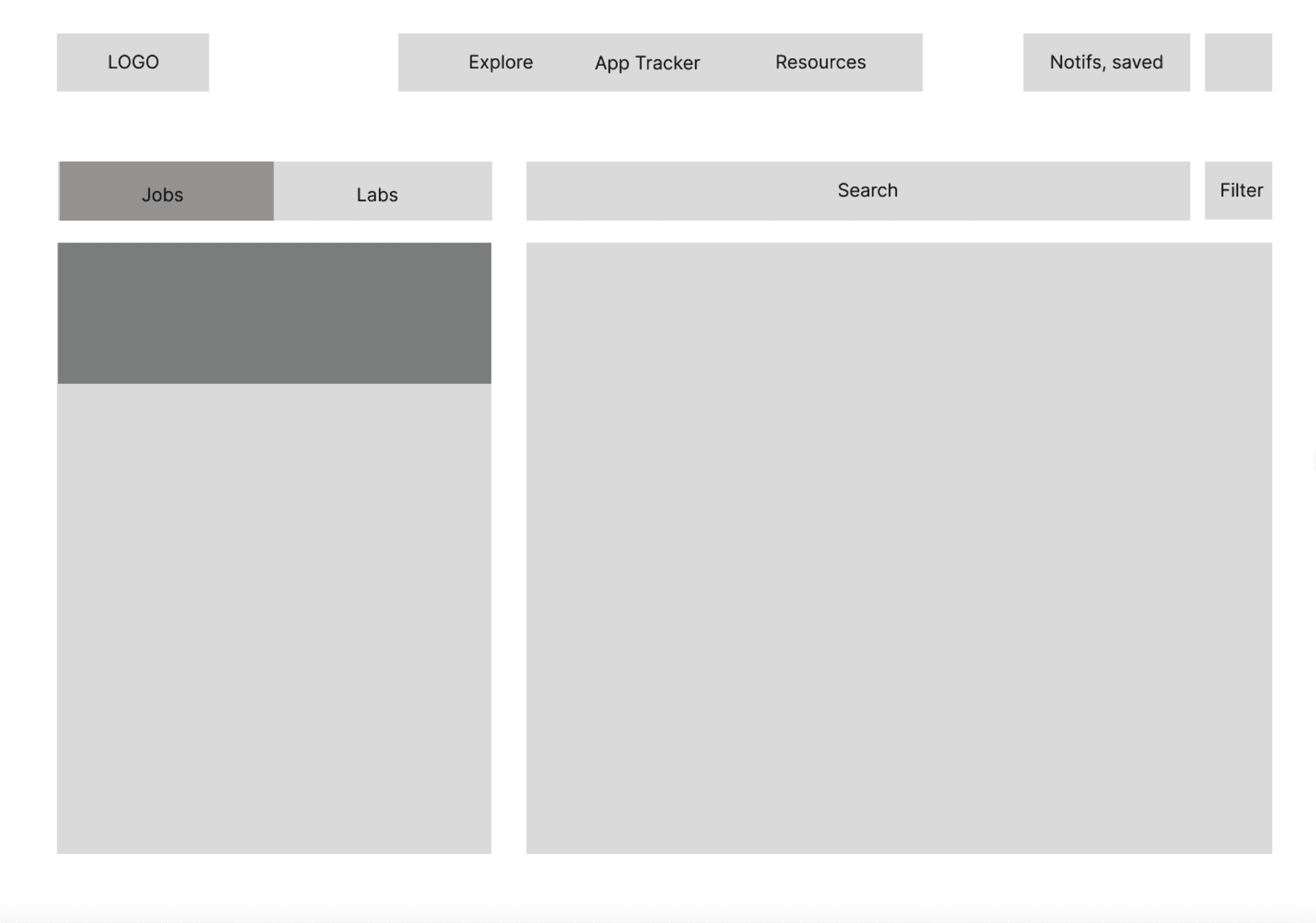
Our Solution (Spring 2023)
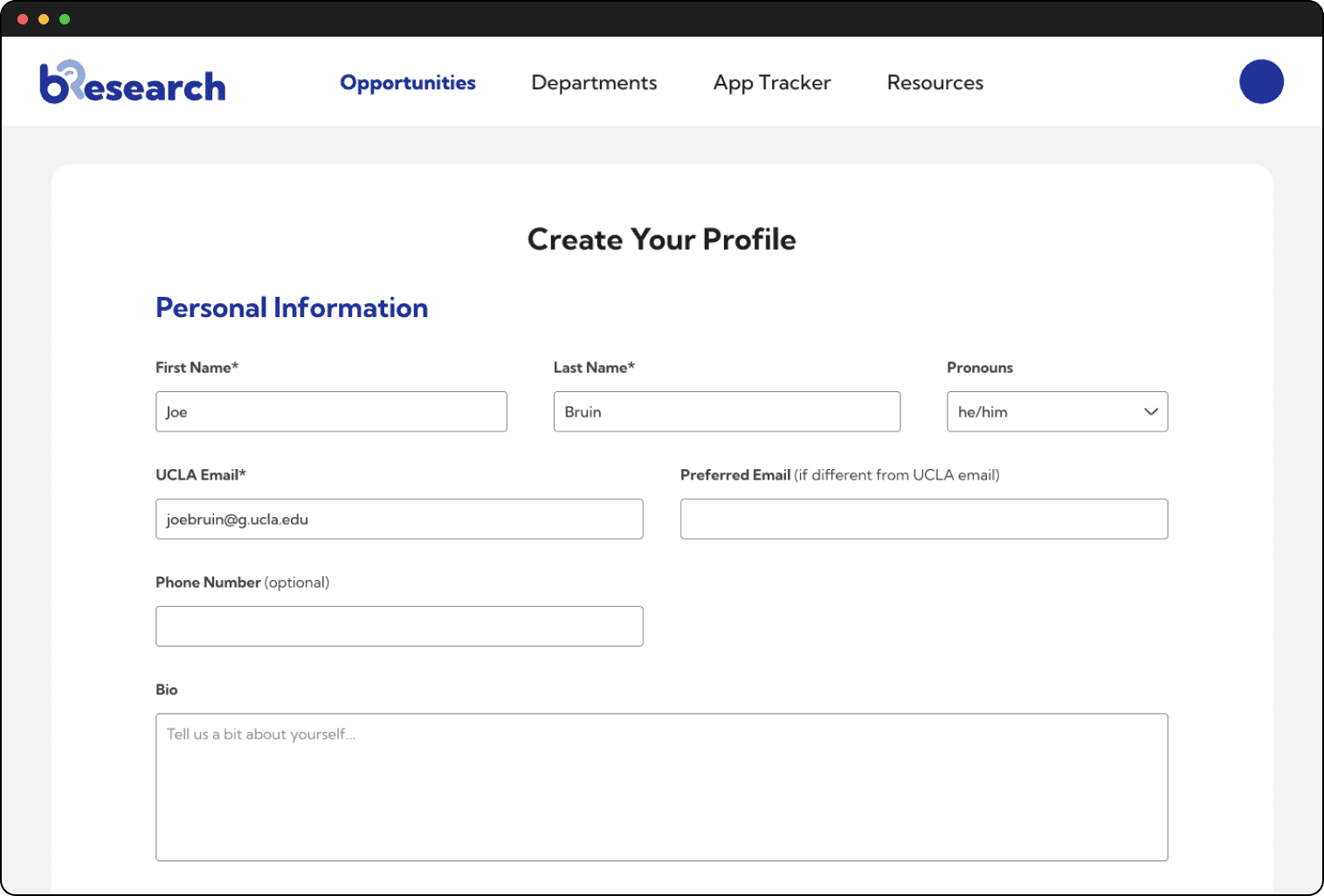
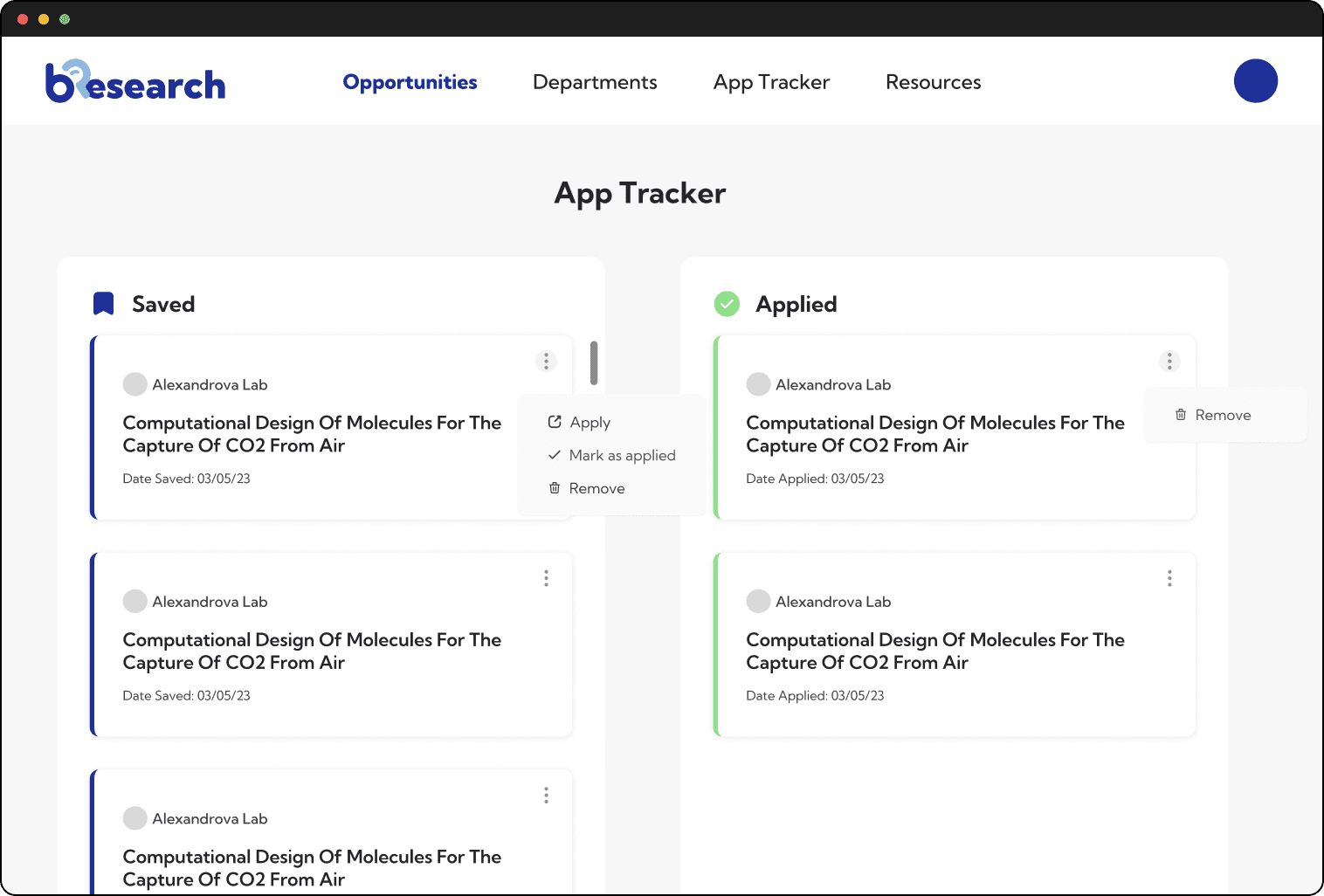
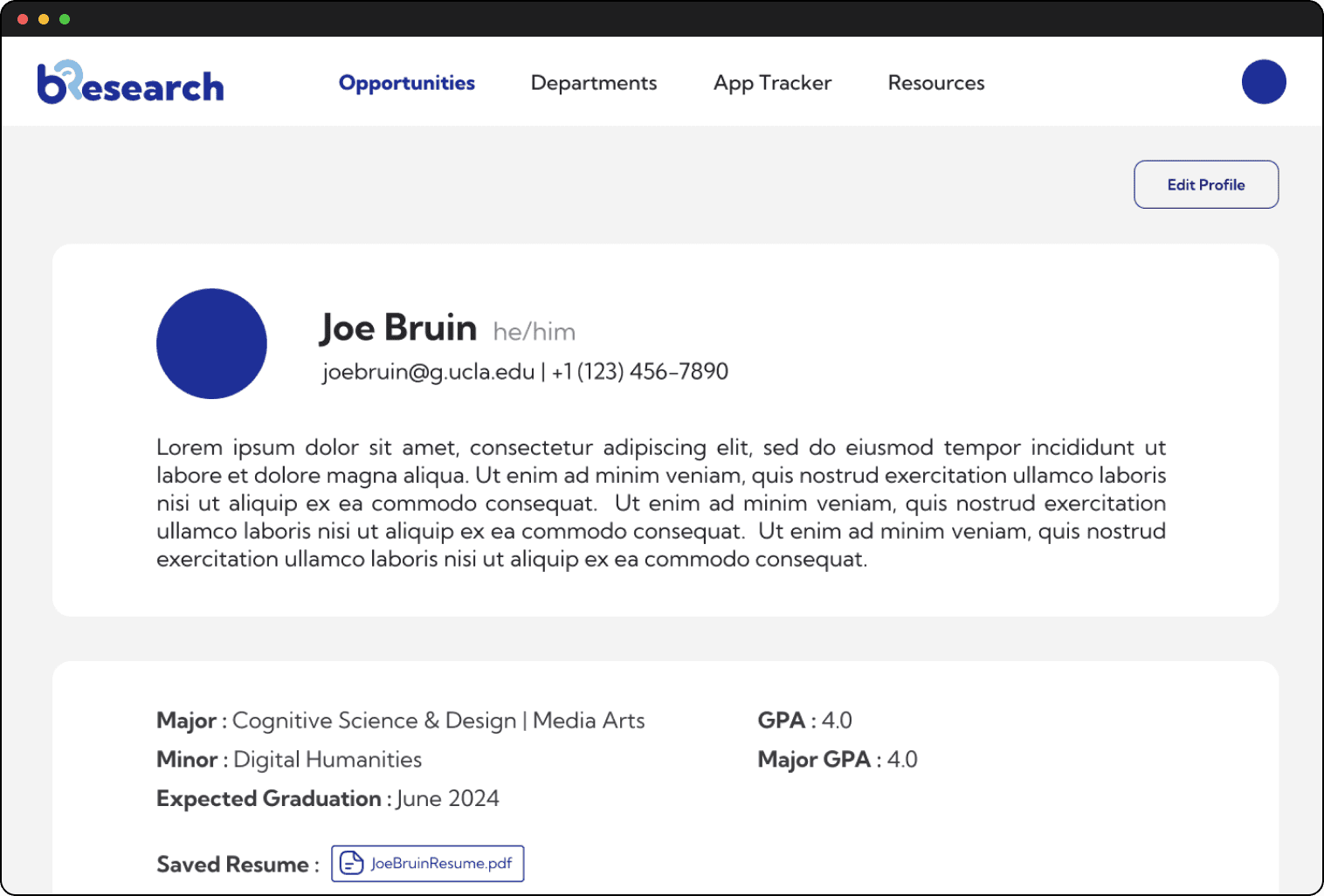
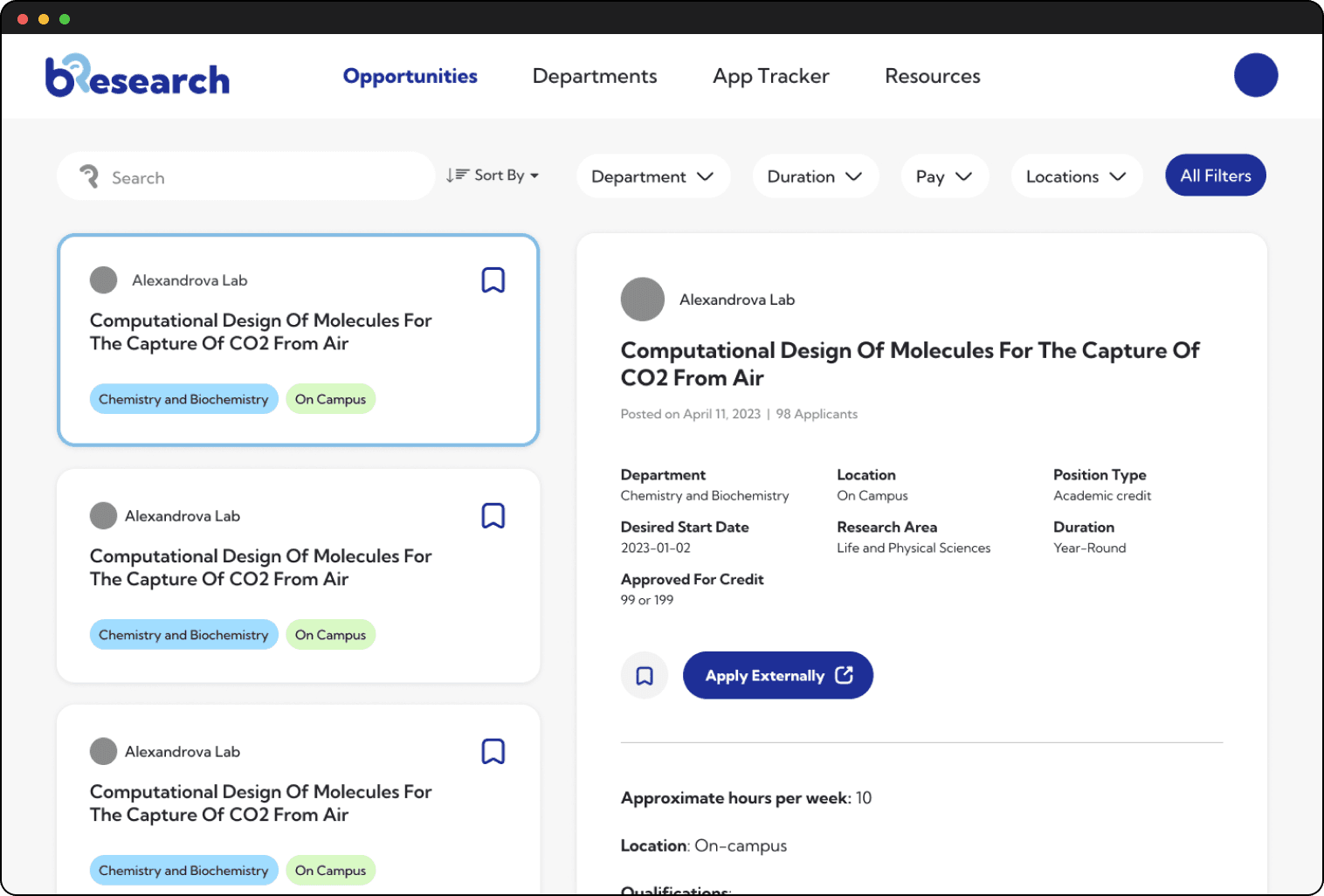
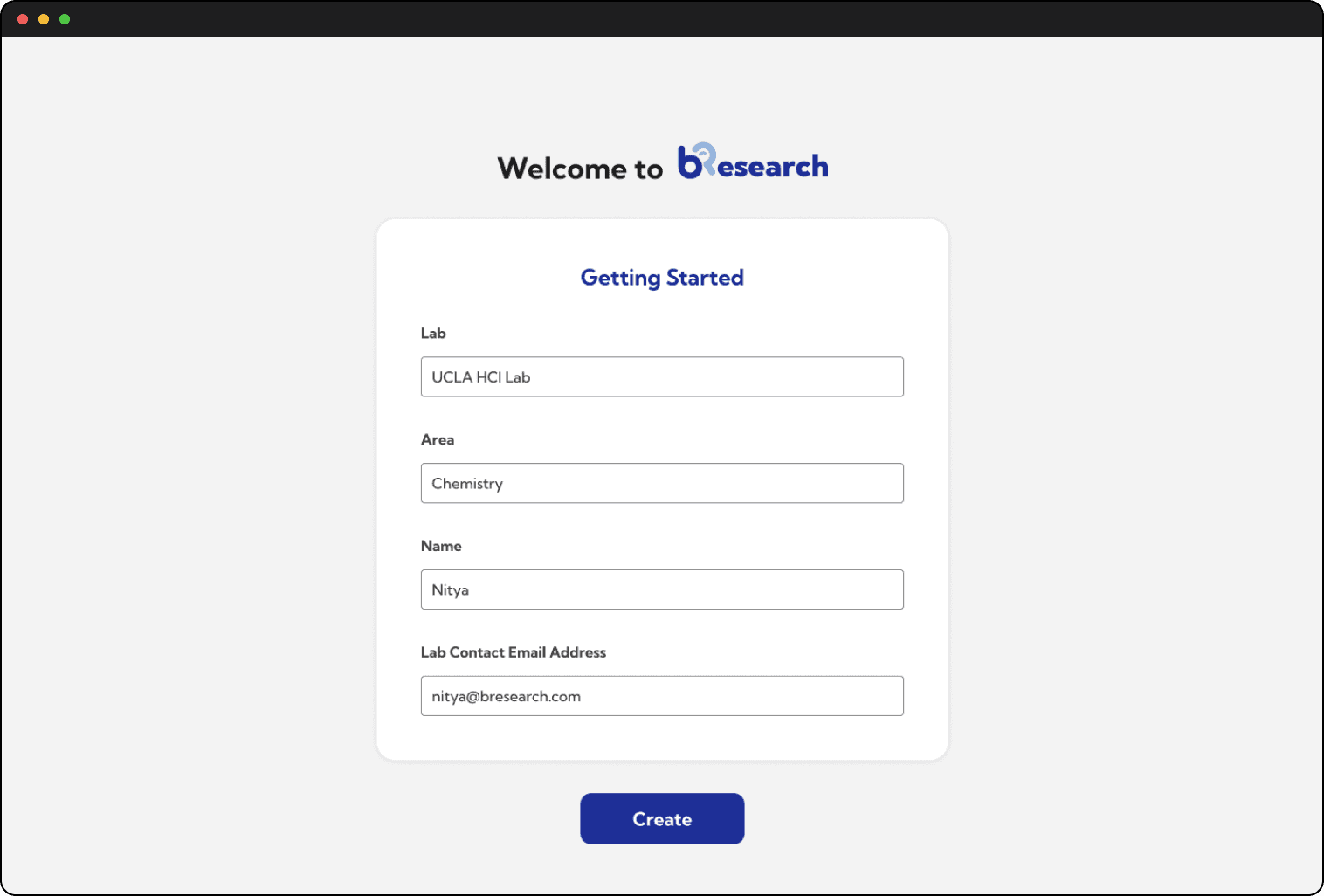
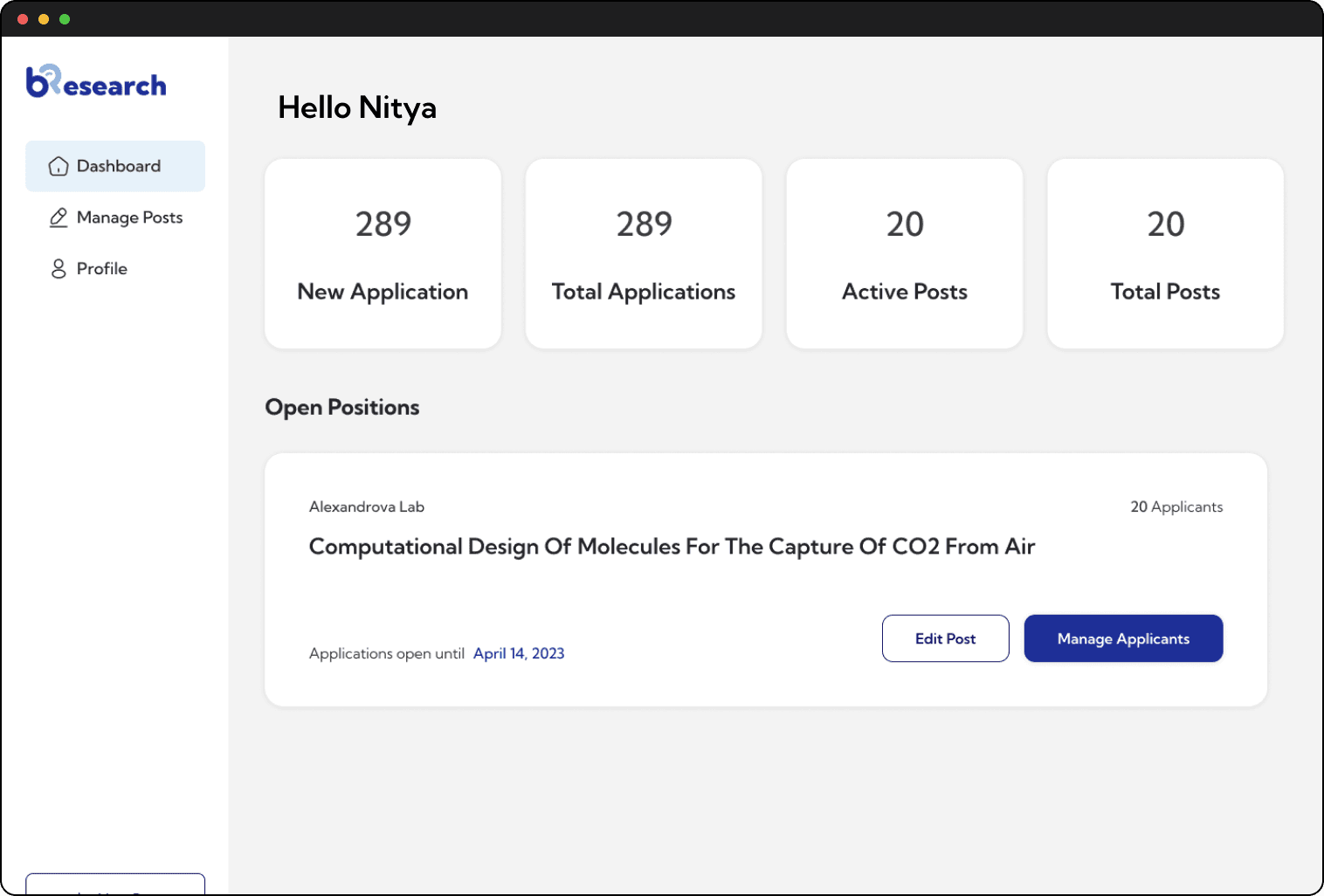
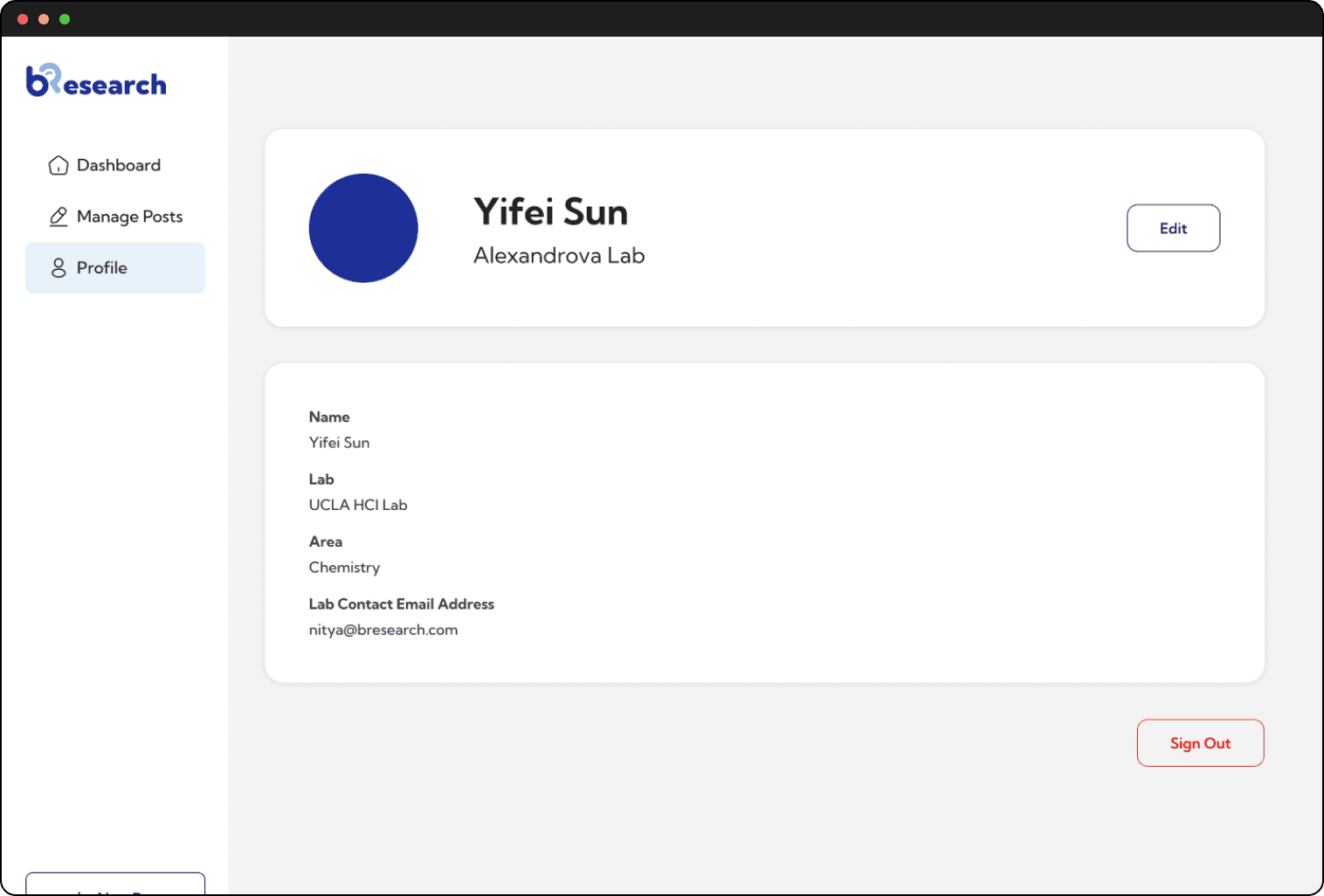
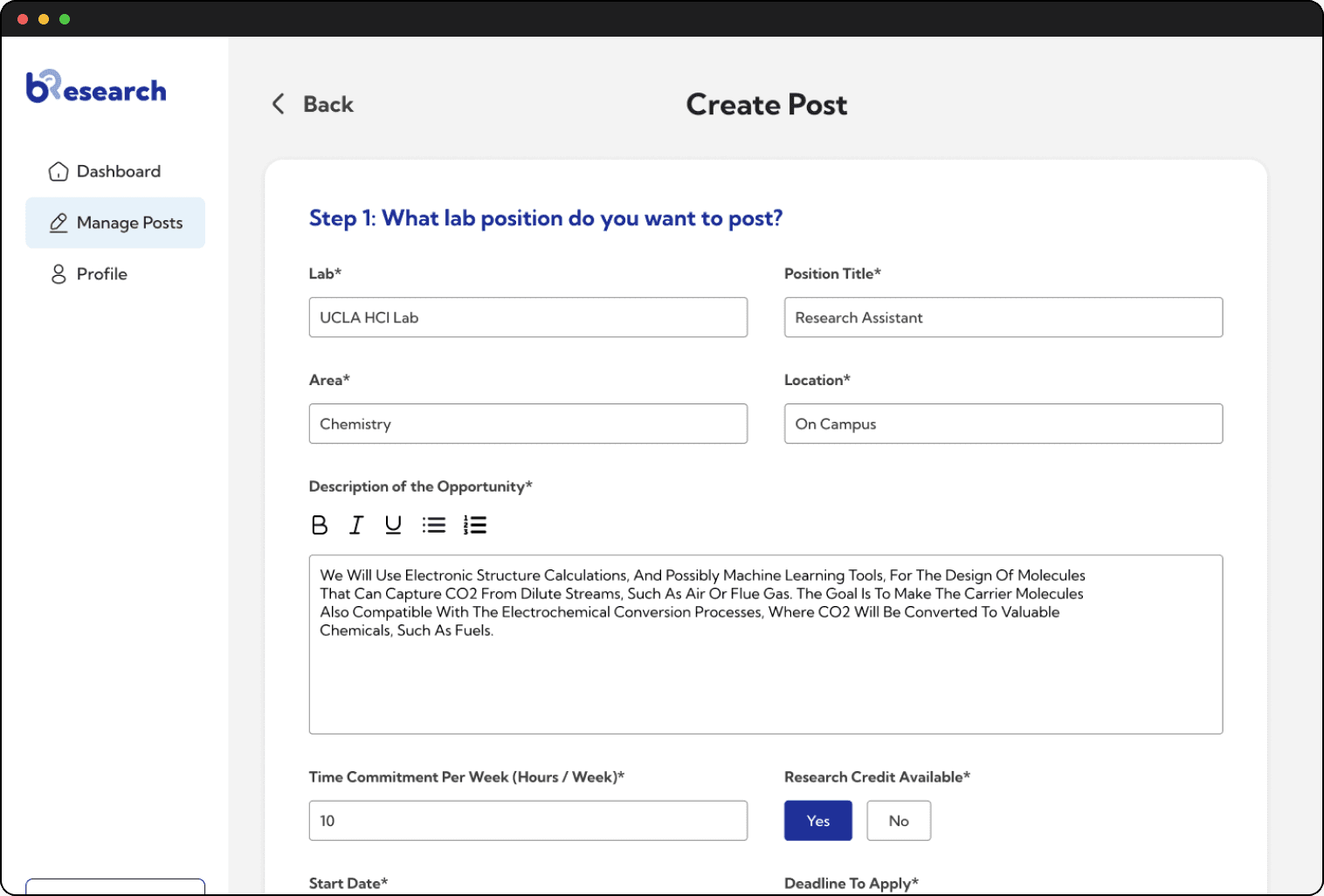
Our solution consists of a Student View and a Professor View. Both views consist of Profile Pages (Creating, Viewing, and Editing), App Tracker, and Job Postings. The Student View is detailed first, then the Professor View.